
Best AI Writing Tools in 2026 — Tested & Compared
Writing is one of the areas where AI has improved the most in 2026. Whether you’re a student working on essays, a blogger creating content, a marketer writing copy, or a professional drafting reports, the right AI writing tool can save you hours while improving quality.
In this guide, I’ve tested and compared the top AI writing tools — from all-rounders like ChatGPT and Claude to specialized ones like Jasper and Sudowrite. I’ll cover their key features, strengths, drawbacks, pricing, and real use cases so you can choose the best one for your needs.
AI Writing Tools Comparison Table (2026)
| Tool | Best For | Free Tier Quality | Pricing (Paid) | Long-form Writing | Plagiarism Check |
|---|---|---|---|---|---|
| ChatGPT | Versatile & Brainstorming | Good | $20/mo (Plus) | Very Good | No |
| Claude | Long-form & High Quality | Very Good | $20/mo (Pro) | Excellent | No |
| Grammarly | Editing & Polishing | Good | $12–20/mo | Good | Yes |
| Jasper | Marketing & Business Copy | Limited | $39–99/mo | Good | Yes |
| Writesonic | SEO & Blog Writing | Good | $16–99/mo | Very Good | Yes |
| QuillBot | Paraphrasing & Rewriting | Good | $9.95–19.95/mo | Good | Limited |
| Sudowrite | Creative & Story Writing | Limited | $19–59/mo | Excellent | No |
| Copy.ai | Sales & Marketing Copy | Limited | $36–99/mo | Good | Yes |
ChatGPT
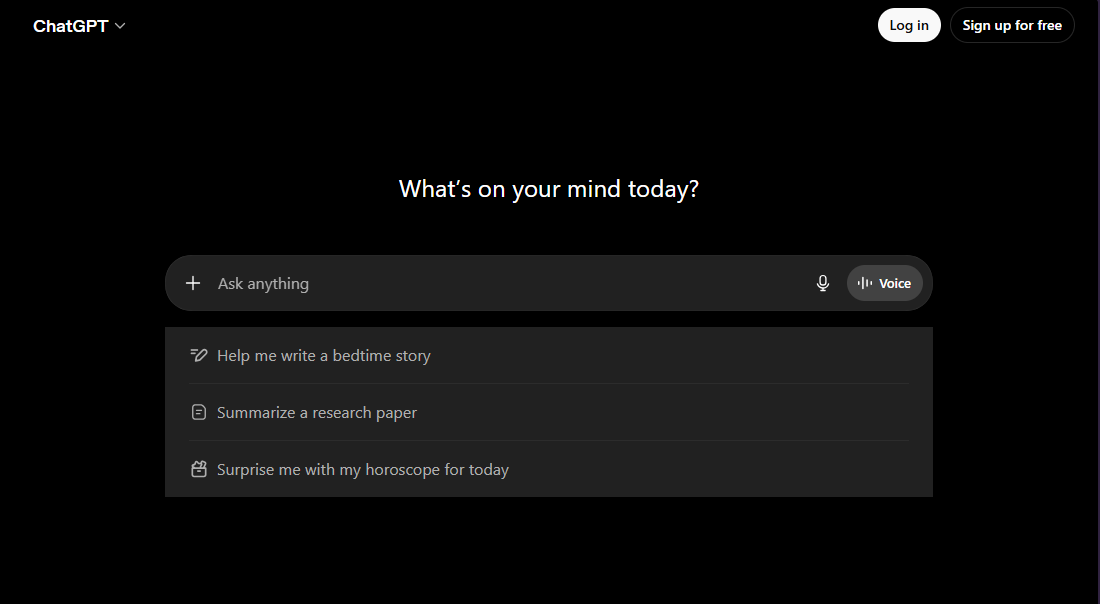
ChatGPT is still one of the most popular and versatile AI writing tools in 2026. Whether you need to brainstorm ideas, create outlines, draft blog posts, write emails, or generate social media captions, it handles almost everything with impressive speed and creativity. You can access it easily at chatgpt.com on both web and mobile apps.
I personally use ChatGPT almost every day when I’m stuck with writer’s block or need to quickly expand rough ideas into full paragraphs. The Canvas feature (available on Plus) is especially useful because it lets you edit drafts side-by-side with the AI, making the writing process feel more collaborative. It’s also great at adapting to your preferred tone — whether you want something professional, casual, persuasive, or creative.
Key Features:
- ChatGPT excels at fast idea generation and can follow specific instructions quite well once you give it clear guidance on tone, style, and structure.
- It supports file uploads, which allows you to analyze documents or continue writing from existing drafts without starting from scratch.
- The voice mode on mobile is handy for dictating thoughts and turning spoken ideas into written content quickly.
- You can create Custom GPTs tailored for specific writing tasks, such as blog writing, email responses, or academic essays.
Drawbacks:
- The free tier has quite strict message limits, which can become frustrating during heavy writing sessions or when working on long projects.
- It tends to produce somewhat generic or repetitive content if you don’t guide it with very specific instructions.
- It sometimes makes factual mistakes or hallucinations, so you always need to double-check important information before using it in final work.
Pricing: The free tier is usable for light work, but most serious writers upgrade to ChatGPT Plus at $20 per month, which gives much higher limits, access to GPT-5.5, and advanced features like Canvas.
Claude
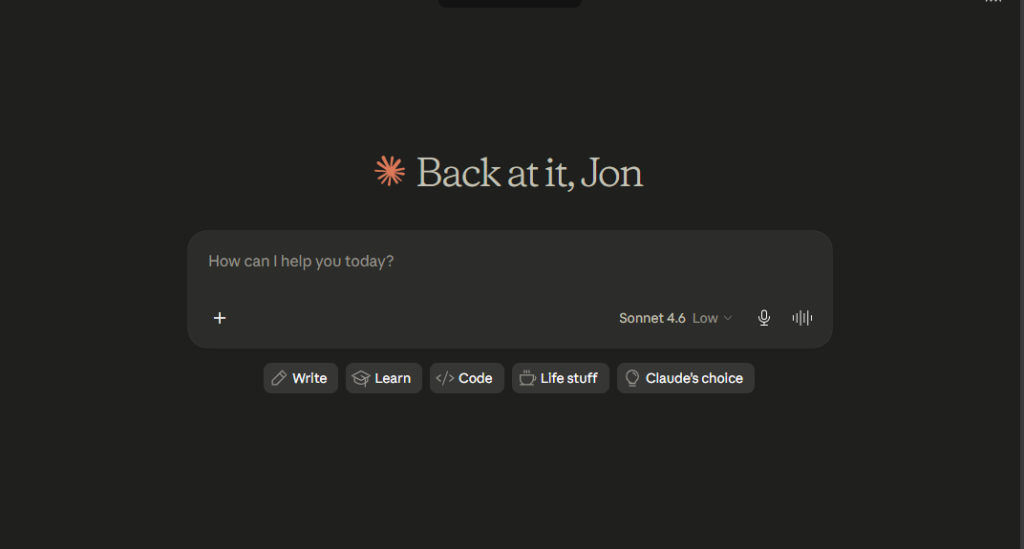
Claude has earned a strong reputation as the best AI for high-quality, thoughtful writing in 2026. Many writers and students prefer it over ChatGPT when they need natural-sounding, well-structured, and nuanced content. You can access it at claude.ai on both web and mobile.
I turn to Claude whenever I need to write long-form articles, essays, reports, or anything that requires deep reasoning and excellent flow. Its massive context window allows me to paste entire drafts or multiple reference documents, and it gives surprisingly smart editing suggestions that actually improve the piece. The writing feels more human and thoughtful compared to most other tools.
Key Features:
- Claude is particularly strong at maintaining consistent tone and style throughout long documents, making it ideal for professional and academic writing.
- It has excellent logical reasoning, which helps in building strong arguments and coherent structure in essays and reports.
- The Artifacts feature lets you create and edit tables, outlines, and formatted content directly with the AI in a very smooth way.
- It has a very low rate of hallucination, making it more reliable for factual or research-based writing compared to other tools.
Drawbacks:
- On the free tier, you will hit usage limits relatively quickly, especially on a rolling 5-hour window, which can interrupt your flow during intense writing sessions.
- It has stricter safety filters, so it may refuse certain creative or edgy topics that other tools might handle.
- It can sometimes be slower than ChatGPT when you need quick, short responses.
Pricing: The free tier is decent for occasional use. Claude Pro costs $20 per month and removes most limits while unlocking the more powerful Opus model. For serious writers, this is often considered one of the best value upgrades available right now.
Grammarly
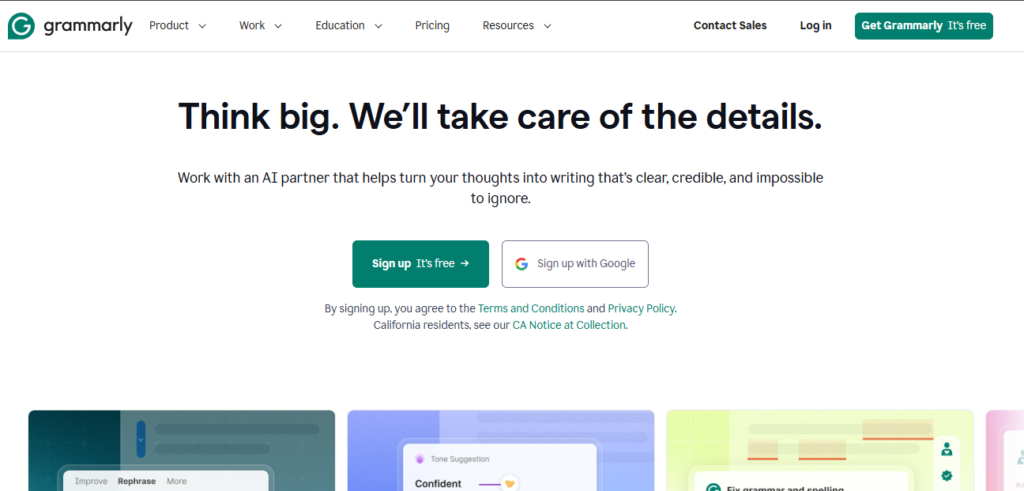
Grammarly is one of the most trusted and widely used AI writing assistants in 2026, especially among students, bloggers, and professionals who want polished and error-free writing. You can access it through the website grammarly.com, the powerful browser extension that works almost everywhere, the desktop app, and mobile apps. Signing up is free and easy with just an email.
I use Grammarly on almost everything I write — from blog posts and emails to important reports. The browser extension is its biggest strength because it works silently in the background while you type in Google Docs, Gmail, WordPress, LinkedIn, or any other platform. It catches small mistakes I usually miss and suggests better ways to phrase sentences, which has noticeably improved my overall writing quality over time.
Key Features:
- Grammarly provides unlimited grammar, spelling, punctuation, and basic clarity checks that work in real-time as you write.
- It has a very useful tone detector that helps you adjust your writing to sound more professional, friendly, confident, or casual depending on the situation.
- The AI rewrite suggestions (around 100 per month on free tier) help you rephrase sentences to make them clearer and more impactful.
- It includes a basic plagiarism checker that scans your content against billions of web pages.
Drawbacks:
- The free version is great for basic corrections but lacks advanced features like full plagiarism checking, style suggestions, and advanced tone adjustments that are available in the premium plan.
- During heavy writing periods like finals or content deadlines, the monthly limit on AI suggestions can run out quickly.
- It sometimes suggests changes that are too safe or generic, so you still need to use your own judgment.
Pricing: The free tier is very useful for everyday writing. Grammarly Premium costs around $12–20 per month. Many universities offer free institutional access, so it’s always worth checking with your college writing center or library before paying.
Jasper
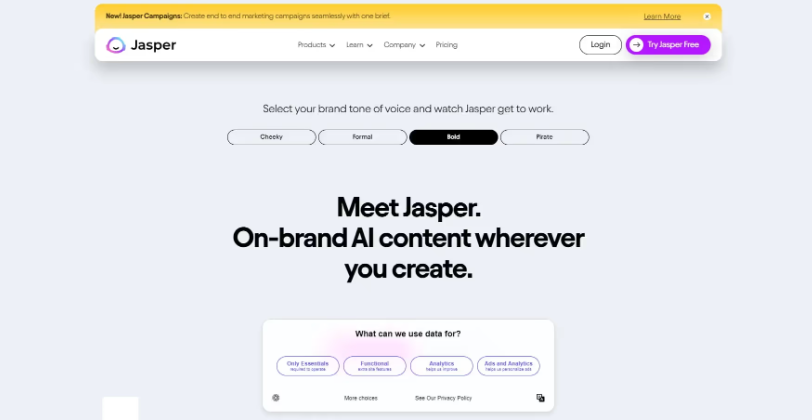
Jasper is a specialized AI writing tool built mainly for marketers, bloggers, and businesses who need to create high-volume content quickly. You can access it at jasper.ai. It offers a clean web interface and integrates well with popular platforms.
I use Jasper when I need to create marketing copy, product descriptions, social media campaigns, or long blog posts with a specific brand voice. It’s particularly strong at following brand guidelines and maintaining consistency across multiple pieces of content. The templates and workflows make it faster to produce different types of content without starting from scratch every time.
Key Features:
- Jasper has excellent brand voice training, so you can teach it your unique tone and style for consistent output across all content.
- It offers many ready-made templates for blog posts, social media captions, email sequences, product descriptions, and ad copy.
- The Boss Mode and Chat features allow you to give commands and generate long-form content more naturally.
- It includes a built-in SEO mode and plagiarism checker that helps create content optimized for search engines.
Drawbacks:
- Jasper is quite expensive compared to other tools, and the free trial is limited, so it may not be ideal for individual students or small budgets.
- The output can sometimes feel formulaic or marketing-heavy if you don’t guide it properly with detailed instructions.
- It’s more focused on marketing and business writing, so it may not be the best choice for academic essays or creative storytelling.
Pricing: Jasper starts at around $39–99 per month depending on the plan. There is no strong free tier, though they occasionally run trials. It’s best suited for serious content creators or businesses rather than casual users or students.
Writesonic
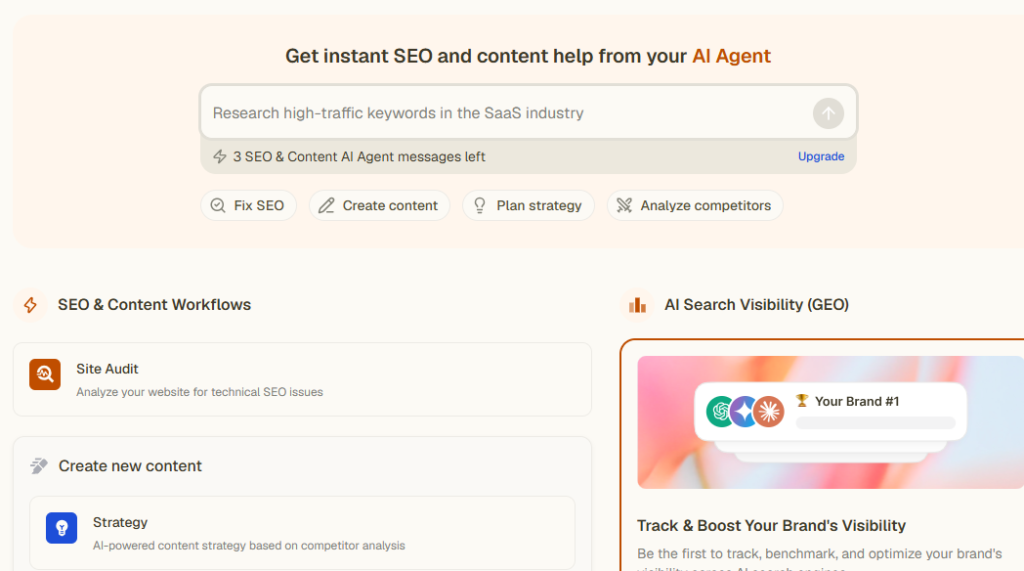
Writesonic is a strong AI writing tool that has become very popular among bloggers, SEO writers, and content marketers in 2026. You can access it through the website writesonic.com on both web and mobile-friendly interface. Signing up is quick with an email.
I often use Writesonic when I need to create SEO-optimized blog posts, meta descriptions, or long-form articles quickly. It has excellent templates and an SEO mode that helps you write content that ranks better on Google. What I like most is how it can generate full blog outlines and then expand them into complete articles while keeping a natural flow. It also has a very good paraphrasing tool and image generation feature built-in.
Key Features:
- Writesonic has a powerful SEO mode that analyzes keywords and helps you create content optimized for search engines.
- It offers a wide range of ready-made templates for blog posts, product descriptions, social media content, emails, and landing pages.
- The Article Writer 4.0 feature can generate complete long-form articles from just a topic or keywords.
- It includes a built-in plagiarism checker and the ability to train the AI on your own content for better brand voice consistency.
Drawbacks:
- The free tier has limited words and generations, which can run out quickly if you’re working on multiple pieces of content.
- Sometimes the output feels a bit robotic or repetitive if you don’t give it very detailed instructions.
- It is more focused on marketing and SEO writing, so it may not be the best choice for highly creative or academic writing.
Pricing: Writesonic has a decent free tier with limited words. Paid plans start from around $16/month and go up to $99/month depending on the number of words and features you need. It’s one of the more affordable options for serious content creators.
QuillBot
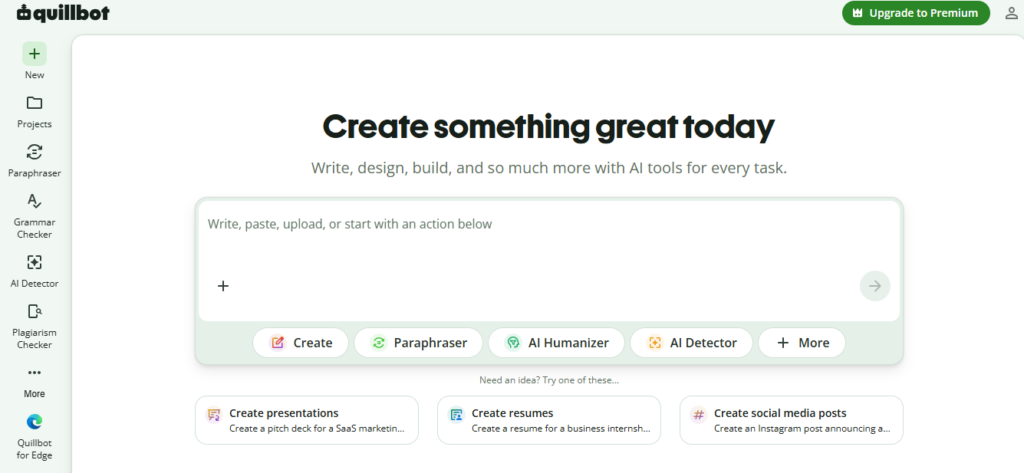
QuillBot is one of the best tools when you need to rewrite, paraphrase, or improve existing text. You can access it at quillbot.com through the website and Chrome extension. It’s very easy to use and requires only an email to sign up.
I use QuillBot almost every time I want to reword sentences, avoid repetition, or change the tone of my writing. It’s especially useful for students who want to paraphrase research material and for writers who need to repurpose content for different platforms. The different modes (Standard, Fluency, Creative, Formal, etc.) give you good control over how the text should sound.
Key Features:
- QuillBot has excellent paraphrasing capabilities with multiple modes that let you control the tone and style of the rewritten text.
- It includes a grammar checker, summarizer, and plagiarism checker that work together smoothly.
- The extension works directly in Google Docs, WordPress, and most writing platforms, making it very convenient.
- You can process longer texts and maintain the original meaning while making the writing sound fresh and natural.
Drawbacks:
- The free tier has a word limit per paraphrase (usually around 125–150 words), which can be restrictive for long documents.
- While it’s great for rewriting, it doesn’t generate original content from scratch as well as ChatGPT or Claude.
- The output sometimes needs manual editing to sound completely natural, especially for academic or professional writing.
Pricing: The free tier is quite useful for occasional rewriting. Premium plans start from around $9.95/month and go up to $19.95/month for higher word limits and full features.
Sudowrite
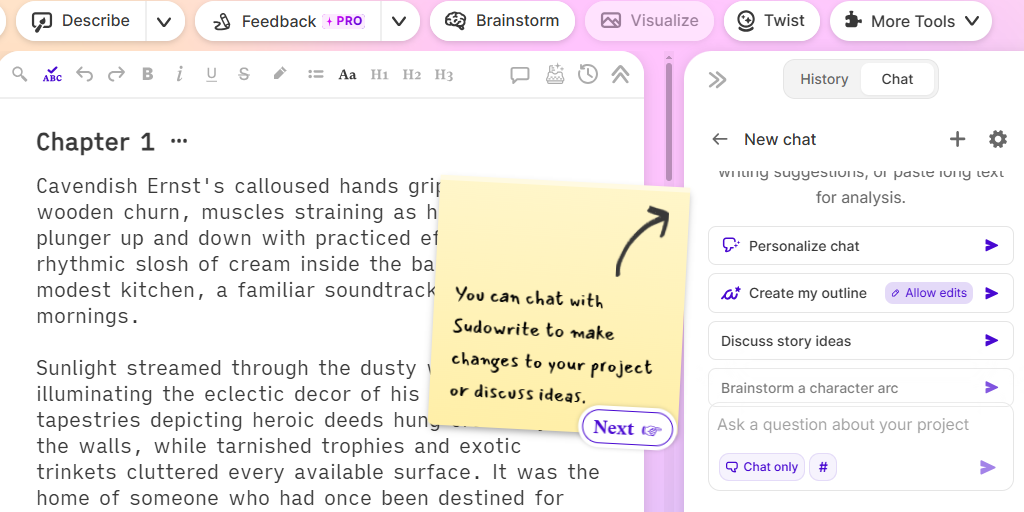
Sudowrite is a specialized AI writing tool built primarily for creative writers, novelists, and storytellers. You can access it at sudowrite.com. It has a clean, writer-friendly interface that feels different from general tools like ChatGPT.
I use Sudowrite whenever I’m working on creative projects, storytelling, or long-form narrative content. What makes it unique is how well it understands story structure, character development, and narrative flow. It doesn’t just complete sentences — it helps you brainstorm plot ideas, develop characters, rewrite scenes, and overcome writer’s block. Many fiction writers consider it one of the best tools available in 2026 for creative writing.
Key Features:
- Sudowrite has excellent story-focused tools like “Describe”, “Brainstorm”, “Rewrite”, and “Expand” that help you develop scenes and characters more deeply.
- It can analyze your writing style and help maintain consistent tone and voice throughout a long story or novel.
- The “What If” and “Rewrite” features are incredibly useful for exploring different directions in your story without losing momentum.
- It offers a distraction-free writing environment with helpful suggestions appearing right when you need them.
Drawbacks:
- Sudowrite is more expensive than general tools and is clearly focused on creative writing, so it may not be the best choice for academic essays, marketing copy, or technical writing.
- The free trial is limited, and the paid plans can feel costly for casual users or students.
- It sometimes suggests overly dramatic or flowery language that may need manual editing to match your desired style.
Pricing: Sudowrite offers a limited free trial. Paid plans start from around $19/month and go up to $59/month depending on the usage level and features needed. It’s best suited for serious creative writers.
Copy.ai
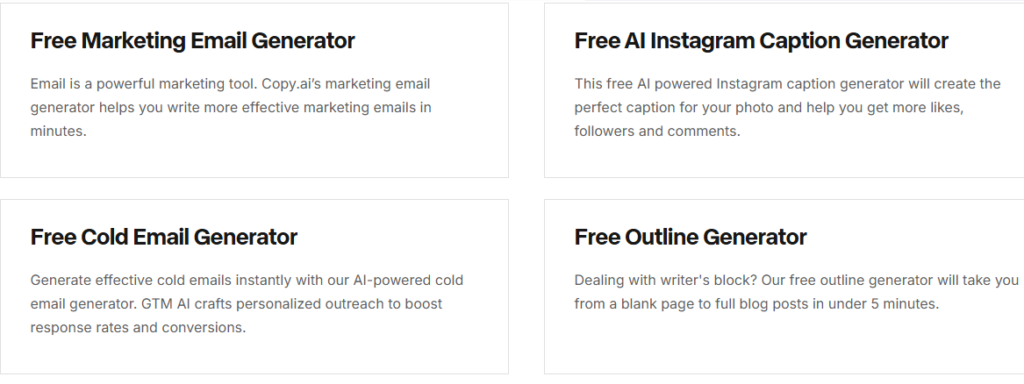
Copy.ai is a powerful AI writing tool focused mainly on marketing, sales, and business copy. You can access it at copy.ai. It has a modern interface and many ready-to-use workflows.
I turn to Copy.ai when I need to write persuasive marketing content, product descriptions, email sequences, ad copy, or landing pages. It’s particularly strong at understanding brand voice and generating multiple variations quickly. The tool feels built for speed and efficiency, which is great when you need to produce high volumes of marketing material.
Key Features:
- Copy.ai offers dozens of specialized templates for different types of marketing and sales copy.
- It has strong brand voice training features so the output matches your company or personal tone consistently.
- The Chat feature allows you to collaborate with the AI in a more natural way while building content.
- It includes built-in SEO suggestions and plagiarism checking tools.
Drawbacks:
- Copy.ai is quite expensive compared to other tools, and the free tier is quite limited.
- It is heavily focused on marketing and sales writing, so it may not perform as well for academic, creative, or long-form storytelling content.
- The output can sometimes feel formulaic if you don’t provide detailed instructions and brand guidelines.
Pricing: Copy.ai has a limited free plan. Paid plans start from around $36/month and go up to $99/month or more depending on the number of words and team features required.
Explore Categories:
Best Image Generation tools in 2026: Click here.
Best Video Generation tools in 2026: Click here.
Best AI Assistant Tools in 2026: Click here.