
The AI assistant world in mid-2026 is seriously competitive right now. ChatGPT (powered by GPT-5.5), Claude (Opus 4.7/4.8), and Gemini (3.1 Pro) are the clear top players, but each one has its own strengths. Whether you’re a content creator trying to write faster, a developer debugging code, a researcher digging up information, or a business owner looking to save time, picking the right AI can make a big difference.
I’ve been testing all three tools heavily for the past few weeks — using them for writing, coding, research, image and video tasks, and real daily work. In this guide, I’m sharing an honest breakdown of their features, strengths, weaknesses, pricing, real-time abilities, and more.
At the end of the day, there’s no single “best” AI — it really depends on what you need.
Last updated: June 14, 2026.
Quick Verdict
- Real-Time Information: Gemini wins hands-down with native Google Search grounding. ChatGPT has solid browsing; Claude is more knowledge-cutoff based but reliable.
- Coding: Claude leads for complex logic/debugging. ChatGPT strong all-round; Gemini capable but trails slightly.
- Writing & Creativity: Claude best for quality/long-form. ChatGPT versatile/creative. Gemini solid but more factual.
- Speed & Value: Gemini often fastest/cheapest for volume. All ~$20/mo entry.
- Privacy & Safety: Claude strongest emphasis on safety.
Who Should Choose Which in 2026?
Most People & Versatile Needs → Start with ChatGPT Plus If you’re looking for one AI assistant that can handle almost everything reasonably well, ChatGPT Plus is the best starting point for most users. Its balanced performance across creative writing, brainstorming, content creation, and everyday productivity makes it incredibly versatile.
For example, a content creator can use it to generate blog ideas, write drafts, create social media captions, and even analyze images — all in one smooth workflow. Because of its mature ecosystem and user-friendly interface, it’s perfect for beginners, small business owners, and anyone who wants an all-rounder without switching between multiple tools frequently.
Developers & Deep Work → Go for Claude Pro Developers, writers, researchers, and professionals who deal with complex, long-form tasks should strongly consider Claude Pro. Its superior reasoning, low hallucination rate, and excellent long-context handling make it the top choice for serious work that requires precision and depth.
For instance, a software developer can paste an entire codebase or large documentation file and ask Claude to debug, refactor, or explain complex logic — something it handles exceptionally well. Similarly, writers working on long reports, eBooks, or detailed analysis will appreciate its thoughtful, high-quality output that feels more natural and reliable than the others.
Researchers, Google Users & Real-Time Needs → Choose Gemini Pro If your work involves research, current events, studying, or heavy use of Google tools, Gemini Pro is usually the smartest pick. Its native integration with Google Search gives it the best real-time information capabilities, and the massive context window plus Workspace integration makes it extremely powerful for data-heavy tasks.
A student or market researcher, for example, can ask Gemini about the latest industry trends and get well-sourced, up-to-date answers with citations. Google Workspace users can seamlessly summarize long email threads, analyze documents in Drive, or create presentations — saving hours of manual work every week.
Power Users & Heavy Workloads → Use Multiple Tools (Rotation Strategy) Many advanced users in 2026 don’t rely on just one AI — they rotate between all three depending on the task. This hybrid approach lets you get the best results from each model’s unique strengths.
For example, you might use Gemini for quick research with real-time data, send the findings to Claude for deep writing and analysis, and finally use ChatGPT to format everything nicely or generate creative visuals. This strategy is especially useful for freelancers, serious content creators, and businesses looking to maximize productivity.
Quick Comparison Table
| ChatGPT (GPT-5.5) | Claude (Opus 4.x) | Gemini (3.1 Pro) | |
|---|---|---|---|
| Best For | Versatile all-rounder, creativity, agents | Deep reasoning, coding, long docs | Research, multimodal, Google ecosystem |
| Context Window | ~128K–1M tokens | Up to 1M tokens | Up to 1M–2M tokens |
| Real-Time Info | Good (browsing) | Limited (more static) | Excellent (native Google Search) |
| Pricing (Pro Tier) | $20/mo (Plus) / $100–200 Pro | $20/mo Pro | ~$20/mo Google AI Pro |
| Coding Strength | Strong | Excellent (SWE-bench leader) | Good |
| Writing Quality | Very Good | Best (nuanced, low hallucination) | Good (formal) |
| Multimodal | Strong (image/voice) | Good (vision) | Strongest (video/audio) |
ChatGPT (GPT-5.5)
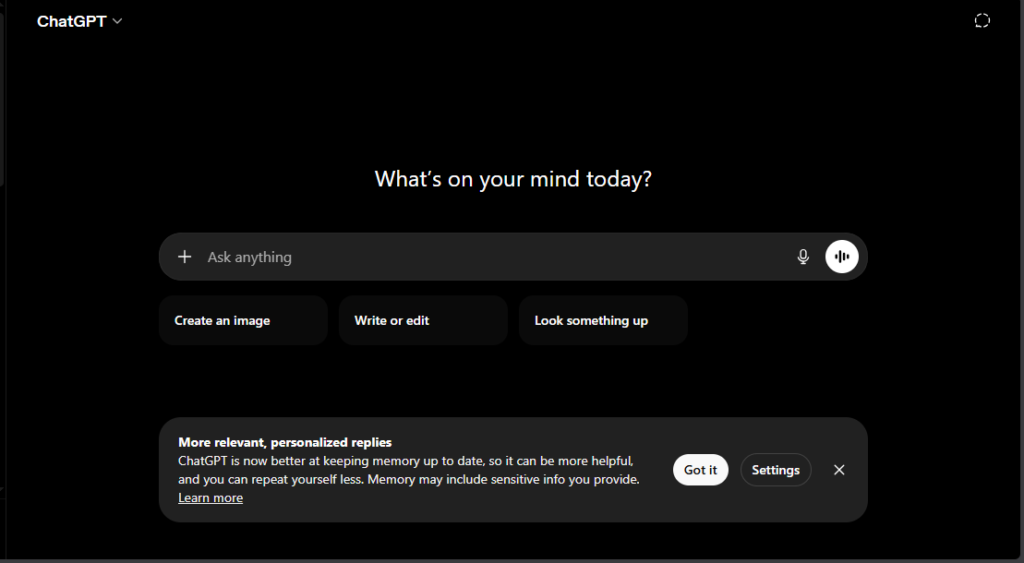
ChatGPT’s GPT-5.5 Thinking and Pro variants are excellent for handling complex reasoning and agentic tasks. You can easily manage computer use, multi-step workflows, and advanced automation that feels almost like having a smart assistant by your side.
It also comes with a powerful Canvas feature for inline editing, along with custom GPTs, conversation memory, voice mode, and deep integrations across many other tools and platforms. This makes it one of the most ecosystem-friendly options available right now.
On the multimodal side, ChatGPT shines with excellent image generation and analysis, plus natural voice conversations that feel very human-like. For real-time information, it has built-in browsing capabilities that keep you updated on current events — though it’s not quite as seamless as Gemini in this area.
Strengths:
- Most balanced performer — great for creative writing, brainstorming, quick ideation, and broad everyday tasks.
- Mature platform with 60+ integrations and strong agent features for automation.
- Fast responses and user-friendly interface. Excellent for content creators and general users.
- Reduced hallucinations in newer versions compared to earlier GPTs.
Weaknesses:
- Higher hallucination risk on deep analysis when compared to Claude.
- Can feel less precise on very long contexts or highly nuanced instructions.
- Pricing jumps for heavy Pro usage.
Pricing (June 2026):
- Free: Limited GPT-5.5 Instant access.
- Plus: ~$20/mo (expanded limits, GPT-5.5 Thinking).
- Pro: $100–200/mo for unlimited/high-accuracy access.
- Great value for most users at the $20 tier.
Visit the official pricing page of ChatGPT. Click here.
Best Use Cases: Content creation, brainstorming, customer support scripts, general productivity, and users who want one tool for everything.
Claude (Opus 4.7/4.8)
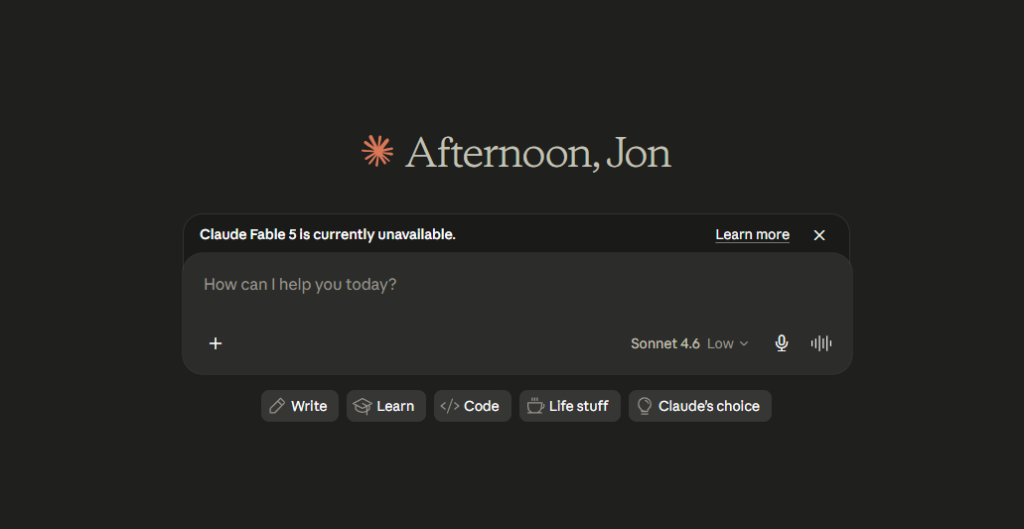
Claude stands out with its superior long-context handling, supporting up to 1 million tokens. This means you can feed it entire books, large codebases, or lengthy documents without losing track. It also offers Projects for well-organized workspaces and Skills/Artifacts that let you create reusable components for future tasks.
You get access to strong agentic tools, including Computer Use and a powerful code interpreter that makes it a favorite among developers. Claude also puts a big emphasis on safety, ethical reasoning, and very low hallucination rates. Its vision capabilities for image analysis are excellent too.
Strengths:
- Tops benchmarks in coding (high SWE-bench), long-form writing, deep analysis, and complex multi-step instructions.
- Produces thoughtful, natural, high-quality outputs with excellent instruction-following.
- Ideal for professional work — legal/financial analysis, code review, editing long documents.
- Fewer hallucinations and more reliable on hard tasks.
Weaknesses:
- Slightly slower on quick casual tasks.
- Stricter safety filters can limit some creative or edgy responses.
- Fewer native third-party integrations compared to ChatGPT.
Pricing:
- Free: Limited Sonnet access.
- Pro: $20/mo (higher limits, Opus access).
- Max/Team: $100–200/mo for heavy users.
Visit the official pricing page of Claude. Click here.
Best Use Cases: Developers, writers, researchers handling large documents/codebases, and tasks needing precision and depth.
Gemini (3.1 Pro)
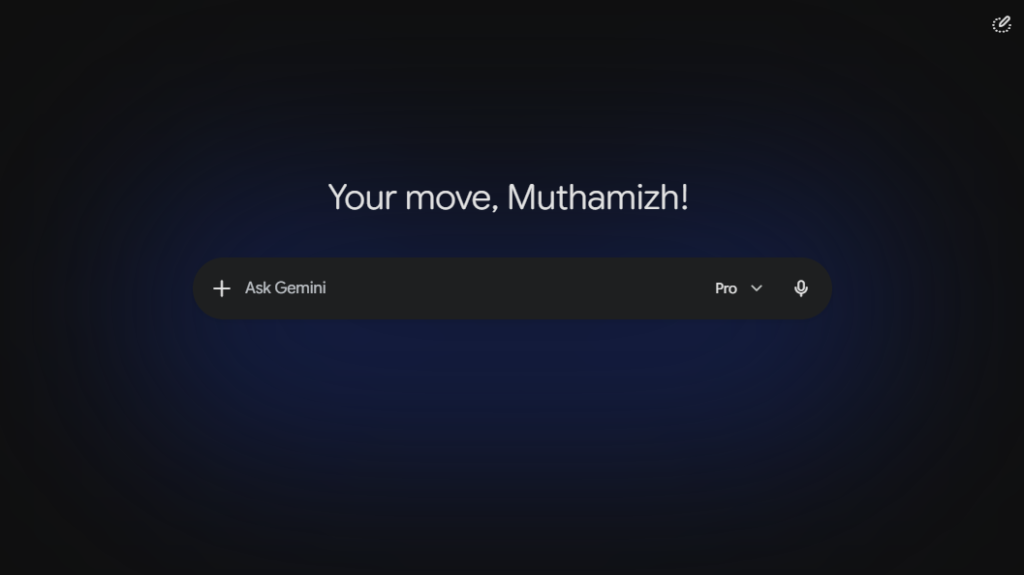
Gemini offers a massive context window ranging from 1 million to 2 million tokens, making it perfect for handling very large documents or complex projects. It integrates natively with Google Workspace (Gmail, Docs, Drive), so everything feels smooth if you already use Google tools.
Its multimodal abilities are top-tier — especially for video and audio analysis, plus image generation through Nano Banana. You also get a powerful Deep Research mode along with native tool use and search capabilities that deliver accurate, up-to-date results.
Strengths:
- Best real-time information via Google Search integration — perfect for current events, news, stock prices, research with citations.
- Excellent for multimodal tasks, scientific reasoning, and long-document analysis.
- Seamless in Google ecosystem; great value and speed on lighter models (Flash).
- Strong agentic capabilities and competitive benchmarks.
Weaknesses:
- Sometimes less nuanced/creative in pure text writing compared to Claude.
- Can feel more formal or tied to Google services.
- Occasional variability in output style.
Pricing:
- Free: Gemini Flash with limits.
- Google AI Pro: ~$20/mo (access to 3.1 Pro, higher limits).
- Ultra: $100/mo
- Often the best pricing-to-performance ratio, especially with Workspace bundle.
Visit the official pricing page of Gemini. Click here.
Best Use Cases: Researchers, Google Workspace users, multimedia analysis, real-time research, students, and marketers needing fresh data.
Conclusion In 2026, ChatGPT, Claude, and Gemini are all excellent — the “best” depends on your workflow. Test the free tiers and match to your needs. The AI space evolves fast, so bookmark this for updates.
Stay tuned with AISparkHub for monthly AI tool roundups, latest updates, and practical guides! Which AI assistant are you using the most right now? Drop your thoughts in the comments below 👇 Don’t forget to check our Best AI Assistants 2026 page for more detailed reviews.
Frequently Asked Questions-FAQs
Is Claude better than ChatGPT in 2026?
It depends on what you need. Claude is generally better for deep thinking, coding, and long-form writing because it gives more thoughtful and accurate answers. ChatGPT is better if you want an all-rounder that’s great for creative work and everyday tasks. Many people use both.
Which AI assistant has the best free plan?
Gemini currently offers the best free plan in 2026. It gives you generous daily usage and strong real-time search capabilities. ChatGPT and Claude free tiers are also useful but hit usage limits faster.
Which AI is best for students?
Gemini is usually the best choice for students because of its excellent real-time research, ability to summarize documents, and good integration with Google tools. Claude is also great if you need help with essay writing or deep understanding of topics.
Can I use ChatGPT, Claude, and Gemini all for free?
Yes, you can! All three offer free versions that you can use without paying. However, the free plans have daily usage limits. Once you reach the limit, you’ll have to wait or upgrade to the paid plan for unlimited access.