
Last Updated: September 2, 2026
Yes, Perplexity AI is free to use. Its Standard plan gives you practically unlimited basic searches, cited answers, search history, limited file uploads, and a limited number of Pro Searches. The free plan does not include advanced AI models or image generation.
I use Perplexity mainly for research and fact-checking. When I need to verify a recent update, research finding, product detail, or other claim, I use it to find the information and then open the cited sources to check the original material myself.
In this guide, I’ll explain what you actually get with the free plan, where its limits start to matter, what Perplexity Pro adds, how much the different plans cost, and whether upgrading is worth it. I’ll also share what I found while testing Perplexity myself, including some situations where it misunderstood uploaded material.
What Is Perplexity AI?
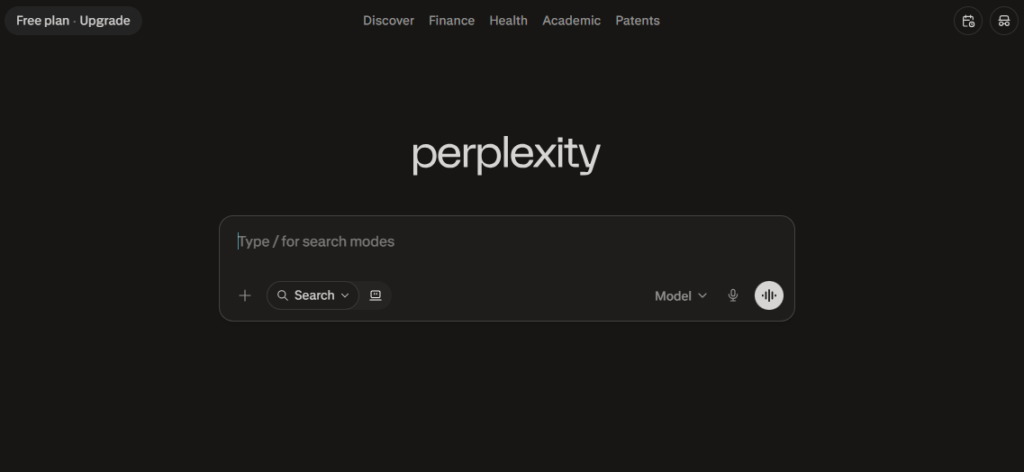
Perplexity is an AI-powered search engine and research tool that searches the web and gives you conversational answers with links to the sources it used. Instead of showing you a page of search results and making you open several websites yourself, it combines information from multiple sources into a single answer that you can then verify.
This is what makes Perplexity different from a traditional search engine. You can ask a question in natural language, continue with follow-up questions, and use features such as Pro Search when you need a deeper research process. Its answers are designed to be traceable through the citations attached to them.
I mainly use it when I need to find and verify current information. I’ll usually look at the answer first, then open the cited sources to check whether they actually support the claim. That extra step matters because a citation being present doesn’t automatically mean the answer interpreted the source correctly.
Best for: Research, fact-checking, current information, and finding sources quickly.
How I Tested Perplexity
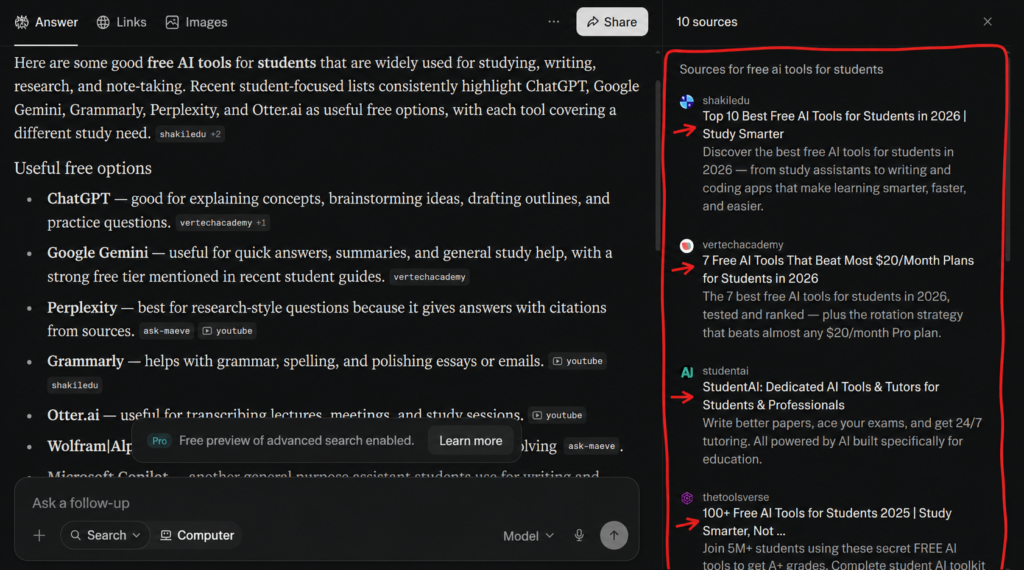
I tested Perplexity on a desktop browser using the Free plan, based mainly on how I use it for AI Spark Hub. My primary use case is verifying recent updates, research findings, product information, and other claims against their original sources.
I mainly used Basic Search and file uploads during my testing. I also noticed Perplexity’s step-by-step Learn Mode, which is designed to guide you through a topic with interactive explanations rather than simply giving you an answer.
One thing I particularly like about Perplexity is how straightforward it feels. When I get an answer, I can open the citations and check the original sources myself. However, I wouldn’t treat the answer as automatically correct just because it includes citations. During my own testing, Perplexity sometimes misunderstood uploaded material or became confused about what I was asking. In fact, while preparing this article, I had to fact-check Perplexity’s own fact-check after some of its conclusions didn’t accurately reflect my article.
Tested on: Desktop browser · Free plan · September 2, 2026
What Do You Get With the Perplexity Free Plan?
Perplexity’s Free plan, officially called Standard, is enough for regular research and everyday questions. You get practically unlimited basic searches, search history, cited answers, limited file uploads, and a limited amount of Pro Search. Perplexity automatically chooses the model for your searches on the Free plan rather than letting you manually select an advanced model.
What you get for free
- Practically unlimited basic searches
- 3 Pro Searches per day
- 1 Research query per month
- Search history
- Basic file uploads with limits
- Cited answers with links to sources
- Automatic model selection
The important distinction is between basic Search and Pro Search. Basic Search is designed for quick answers, while Pro Search goes deeper by searching across multiple sources and synthesizing the information into a more detailed response.
For the way I use Perplexity, the Free plan is already quite useful. I can search for current information, inspect the citations, open the original sources, and use uploaded files when I need Perplexity to work with my own material. I don’t need a paid subscription just to do that.
What you don’t get on Free
The Free plan does not include access to Perplexity’s advanced AI models, image generation, or premium support. You also don’t get the higher usage allowances available on paid plans.
My take: If you’re mainly using Perplexity for everyday searches, research, and checking sources, I’d start with the Free plan. The real question isn’t whether the Free plan is useful—it is. The question is whether its limits become restrictive enough to justify paying for Pro.
Where Does the Perplexity Free Plan Hit a Wall?
The Free plan is useful, but you’ll notice its limits once you start using Perplexity regularly for deeper research. The biggest restriction is Pro Search. Free users currently get 3 Pro Searches per day, while basic searches remain practically unlimited.
Research is also limited to 1 query per month on the Free plan. Research is different from a normal search because it performs multiple searches, reads information from many sources, and builds a more detailed report for complex questions.
The Free plan also doesn’t give you access to Perplexity’s advanced AI models or image generation, and file uploads are limited. You can still use Perplexity’s automatic model selection for regular searches, but you can’t manually choose the advanced models available on paid plans.
My take
For occasional research, I don’t think these restrictions are a major problem. I use the Free plan myself, and it covers most of my day-to-day fact-checking and source verification.
The limits become more noticeable when you’re doing research continuously, working with lots of files, or want access to advanced models and additional creative features. That’s where it starts making sense to look at Perplexity Pro.
Bottom line: The Free plan is enough for everyday research, but frequent users will notice its limits sooner.
What Do You Get With Perplexity Pro?
Perplexity Pro is the paid plan for people who need more than the Free plan’s basic research experience. It adds access to advanced AI models, extended Pro Search, image and video generation, higher file-upload limits, and additional research and creation features.
One of the biggest differences is model access. Pro gives you access to Perplexity’s advanced AI models, which aren’t available on the Free plan. You can choose from the models available to your subscription instead of relying entirely on Perplexity’s automatic model selection. Since the available models and access levels can change over time, it’s worth checking Perplexity’s model selector for the current options.
Pro also gives you higher limits for Pro Search, Research, and file uploads, along with access to image and video generation. However, I wouldn’t describe these as completely unlimited features—the current plan comparison uses usage-based or weekly/monthly limits rather than promising unlimited access.
Is Pro worth it?
For me, the biggest reason to consider Pro is how frequently you use Perplexity. If you’re only checking a few things occasionally, the Free plan is probably enough. But if you’re regularly researching topics, working with files, using advanced models, or need more access to Pro Search and Research, the paid plan becomes much easier to justify.
Best for: Frequent researchers, writers, students, professionals, and creators who need advanced models, deeper research, and higher usage limits.
Perplexity AI Pricing: How Much Does It Cost?
If you only need basic searching, Perplexity costs $0. For heavier individual use, Perplexity Pro costs $20/month or $200/year. There is also Max at $200/month or $2,000/year, while verified students and educators can get Education Pro for $10/month.
| Plan | Price | Best for |
|---|---|---|
| Free | $0 | Basic searches and occasional research |
| Pro | $20/month or $200/year | Frequent research and advanced AI access |
| Education Pro | $10/month | Verified students and educators |
| Max | $200/month or $2,000/year | Heavy individual users |
Perplexity also offers separate Enterprise and API products for organizations and developers, but they aren’t relevant to most individual users.
Which Perplexity plan makes sense?
For most people asking “Is Perplexity AI free?”, I’d start with the Free plan. If you’re regularly hitting its Pro Search, Research, file, or model-access limitations, Pro is the logical upgrade. Max is aimed at much heavier individual usage, while the Enterprise plans are designed for organizations rather than typical individual users.
My take: I wouldn’t pay for Pro simply because it has more features. If the Free plan already handles your research workflow, keep using it. The $20/month becomes easier to justify when you’re using Perplexity frequently enough that the additional access actually saves you time.
Perplexity Education Pro: The $10 Plan for Students & Educators
If you’re a verified student or educator, Perplexity offers Education Pro for $10/month, which is half the regular monthly price of Pro. Verification is handled through SheerID. Education Pro includes the features available with Pro, along with education-focused features such as Learn Mode and extended access to Perplexity’s research tools. It also includes unlimited Pro Searches, file and image uploads, and access to premium AI models.
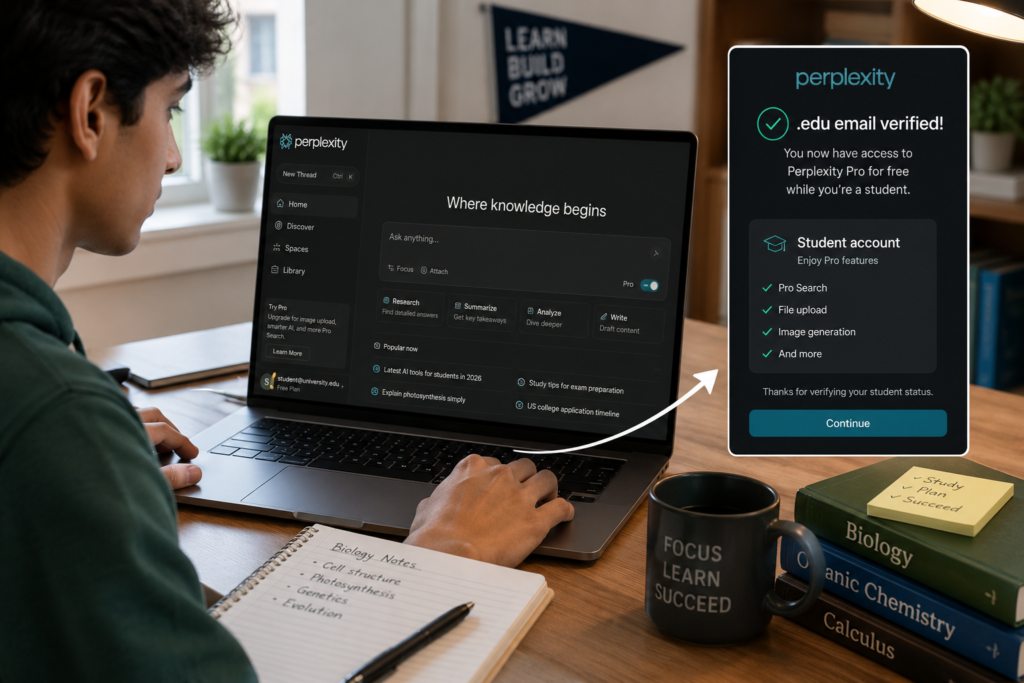
Verified students and educators can access Education Pro for $10 per month through SheerID verification.I think this is one of the more interesting options if you’re eligible. At $10/month, you’re getting much more than the Standard Free plan without paying the full $20/month Pro price. If you’re a student mainly using Perplexity for research, studying, or working with course material, I’d check your eligibility before paying for the regular Pro plan.
Best for: Verified students and educators who want more research and learning features at a lower price.
How to get Education Pro
- Create or sign in to your Perplexity account.
- Go to the upgrade options and select the Education plan.
- Choose “Verify as student” and complete verification through SheerID.
- Once verified, the Education Pro plan becomes available to your account.
One useful detail: you don’t necessarily need a university email address. Perplexity says accounts can be created with a personal or student email, while eligibility is verified separately through SheerID.
Perplexity Free vs ChatGPT Free vs Claude Free
If you’re deciding which free AI tool to use, there isn’t one universal winner. Each is better suited to a different type of work.
| Perplexity Free | ChatGPT Free | Claude Free | |
|---|---|---|---|
| Main strength | Research & web search | General-purpose AI | Writing & analysis |
| Best for | Finding and verifying current information | Everyday AI tasks | Writing and detailed analysis |
| Citations | Core part of the experience | Available in supported search features | Available in supported features |
I personally prefer Perplexity when I’m researching something that needs current information and sources. Its biggest advantage for my workflow is being able to move from an answer directly to the sources behind it. For general-purpose tasks, I’d lean toward ChatGPT, while Claude is a strong option when my priority is writing or working through a more detailed piece of analysis. I wouldn’t choose between them based on a single feature, though—the right choice depends on what you’re actually trying to do.
My take
If your main question is “Which free AI tool is best for research?”, I’d put Perplexity high on the list. If you want one AI assistant that can handle a broader range of everyday tasks, ChatGPT makes more sense. And if your work is primarily writing and analysis, Claude is worth trying.
For my own workflow, Perplexity Free is the one I reach for when I need to find current information and check the sources behind it.
Is Perplexity Pro Worth It?
For most casual users, I don’t think you need Perplexity Pro. The Free plan already handles basic searches, current information, and source checking well. If you’re not regularly running into its limits, paying $20 a month probably won’t add enough value to justify the cost.
I’d consider Pro if Perplexity has become a regular part of your workflow and you’re frequently doing deeper research, working with files, or need access to advanced models and additional creation features. The higher usage allowances can also make a difference if you use Perplexity throughout the day. (perplexity.ai)
My recommendation: Start with the Free plan and upgrade only when you can identify a specific limitation that’s slowing you down. For occasional research, stay free. For heavy research and regular professional use, Pro is easier to justify.
Free is probably enough if:
- You mainly do basic searches and fact-checking.
- You don’t regularly hit the Free plan’s limits.
- You don’t need advanced model access.
Pro is worth considering if:
- You use Perplexity heavily for research.
- You frequently work with uploaded files.
- You want access to advanced models and additional creation features.
- The Free plan’s limits are actually getting in your way.
My verdict: Don’t subscribe just because Pro has more features. Upgrade when the Free plan becomes a genuine bottleneck for your workflow.
What Are the Downsides of Perplexity?
Perplexity is useful for research, but I wouldn’t treat it as a perfect source of truth. The biggest issue I’ve noticed is that the quality of the answer still depends on how well Perplexity understands the question and the material it’s working with.
I noticed this particularly with file uploads. Sometimes Perplexity misunderstood what I had uploaded or became confused about the context. That’s why I still open the cited sources and check important claims myself. In fact, while preparing this article, I ended up having to fact-check Perplexity’s own fact-check after it misunderstood parts of my article.
Another limitation is that Perplexity is primarily built around search and research, so I wouldn’t choose it as my only AI tool for every type of creative or writing task. For more involved writing, brainstorming, or general-purpose work, I often find tools such as ChatGPT or Claude more suitable depending on the task.
There is also a practical point to remember with the paid plans: subscriptions automatically renew unless you cancel them. Perplexity says you can cancel at any time, and your account returns to the Free plan after the current billing cycle ends.
My take
None of these drawbacks are deal-breakers for me. The important thing is knowing what Perplexity is good at and where you still need your own judgment.
For me, its biggest strength remains straightforward research with accessible citations. Its biggest weakness is that you still need to verify the answer rather than assuming the citations make it automatically correct.
Frequently Asked Questions (FAQs)
Is Perplexity AI completely free?
Perplexity has a Free (Standard) plan with practically unlimited basic searches, but some features have usage limits. Free users currently get 3 Pro Searches per day and 1 Research query per month, along with limited file uploads. Advanced AI models and image generation aren’t included in the Free plan.
How much does Perplexity Pro cost?
Perplexity Pro costs $20 per month or $200 per year. There are also Education Pro and Max plans for users with different needs.
How does Perplexity compare to Google Search?
Perplexity combines web search with an AI-generated answer and citations, while Google Search primarily presents search results that you can explore yourself. I prefer Perplexity when I want a quick starting point for research and want to follow the sources behind the answer.
Is the Perplexity Pro plan worth $20 per month?
It depends on how often you use Perplexity. If you mainly do occasional searches and fact-checking, the Free plan is probably enough. Pro makes more sense if you regularly need advanced AI models, deeper research, file analysis, or higher usage limits.
Does Perplexity AI have a student discount?
Yes. Verified students and educators can get Education Pro for $10/month, which is half the regular monthly Pro price. Verification is handled through SheerID. Education Pro also includes features such as Learn Mode, unlimited Pro Searches, file and image uploads, and premium model access.
Final Verdict: Is Perplexity AI Free Worth Using?
Yes. Perplexity’s Free plan is genuinely useful, especially if your main goal is finding current information and checking the sources behind an answer. You can do practically unlimited basic searches, get cited responses, and use limited Pro Search, Research, and file uploads without paying. For my own workflow, that’s enough for a lot of the research I do. I use Perplexity to find recent information and then open its citations to verify the original sources myself. I also like how straightforward the whole process feels—you search, get an answer, and can immediately follow the sources.
I wouldn’t upgrade to Pro simply because it has more features. I’d upgrade when the Free plan becomes a limitation for your actual workflow. Pro makes more sense if you need advanced model access, higher usage limits, more file handling, or additional research and creation features.
If you’re a verified student or educator, Education Pro at $10/month is worth checking before paying the regular $20/month Pro price.
My overall recommendation: Start with Perplexity Free. Use it for a while, see whether you actually hit its limits, and upgrade only if you need what Pro adds.
One final reminder: Perplexity’s features, limits, pricing, and available AI models can change. I tested the Free plan on September 2, 2026, so check the current plan details before subscribing.
Want to see how Perplexity compares to other AI assistants? Check out our full breakdown of the Best AI Assistants in 2026.
Keep Exploring
You might also like these articles.
Google NotebookLM Review 2026 — Is It Really Worth Using?
Last updated: September 24, 2026 Most AI tools try to answer whatever you ask. NotebookLM is different: it is designed to…
Best Free AI Tools in 2026 — Actually Free (No Credit Card Needed)
Finding the best free AI tools isn’t as easy as it used to be. Every week, new AI tools launch…