
Introduction
You don’t need a $20/month plan to get ahead with AI in 2026. Most students never will. Here’s the free stack that actually covers everything from research to presentations — plus which paid upgrades are genuinely worth it if you have some budget.
I’ve tested these tools while managing assignments, group projects, and exam prep. In this guide, I’ve organized everything by real student workflow (Research → Notes → Writing → Design → Lectures → Coding) instead of just throwing a random list at you.
I’ll also be upfront about limitations, pricing, student discounts, and how to use AI responsibly without getting into academic trouble. Let’s get into it.
| Task | Best Free Tool | Best Paid Upgrade | Student Verdict |
|---|---|---|---|
| Research & Citations | Perplexity AI | Perplexity Pro (50% off) | Best for source-backed research |
| Notes & Studying | Google NotebookLM | — (Fully free) | Turns notes into a personal tutor |
| Writing & Drafting | Claude Free | Claude Pro | Best for essay writing & feedback |
| Editing & Polishing | Grammarly Free | Grammarly Premium | Essential for polished submissions |
| Design & Presentations | Canva / Gamma AI | Canva Pro / Gamma Plus | Fast visuals & slides |
| Lectures & Transcription | Otter.ai | Otter.ai Pro | Great for lecture notes |
| Coding | GitHub Copilot (Student) | — (Free for students) | Must-have for CS students |
Research & Citations
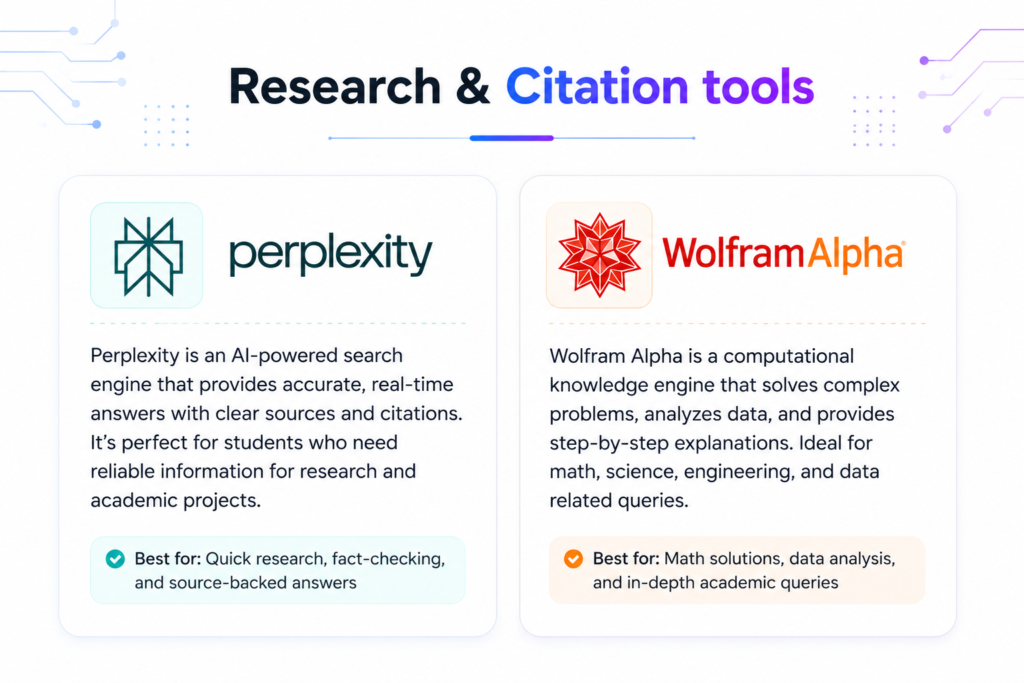
Perplexity AI
Perplexity AI has become one of the most useful research tools for students in 2026. You can access it through the clean website at perplexity.ai, the official mobile apps on Android and iOS, and as a browser extension for quick searches while studying. Signing up is simple with just an email or Google account — no credit card required for the free tier.
On the free plan, you get unlimited standard searches with proper citations, which is a huge advantage over regular ChatGPT that sometimes hallucinates sources. It also has special “Focus” modes like Academic, which prioritizes scholarly and reliable sources. I used it heavily while working on research papers and literature reviews — it helped me quickly find good references and saved hours of manual searching.
Key Extra Features: Study Mode (automatically turns your notes into flashcards and quizzes), file uploads, image analysis, and the ability to ask follow-up questions in the same thread.
Pricing & Student Discount: The free tier is very generous for most students. Verified students can get Perplexity Education Pro at around 50% off (roughly $10/month).
Drawbacks: Free tier has slower responses during peak hours and limited access to advanced “Pro Search”. While citations are generally good, you should always double-check important sources before submitting academic work.
For the majority of students doing essays, assignments, or research projects, the free tier covers most needs. If you do heavy research, the student Pro plan is one of the smartest paid upgrades available.
Wolfram Alpha
Wolfram Alpha is completely different from regular chatbots — it’s a computational knowledge engine that actually calculates and computes answers instead of just predicting them. You can access it directly at wolframalpha.com, through the mobile apps on Android and iOS, and many universities provide access through their library portals. Basic use doesn’t even require signing up.
It excels at math, physics, chemistry, statistics, equations, data analysis, and step-by-step problem solving. This is a critical distinction: while ChatGPT or Claude can confidently give wrong answers on calculations, Wolfram Alpha shows real computed results with transparent steps. I relied on it heavily during math, engineering, and statistics courses — it helped me truly understand the concepts instead of just copying answers.
Key Extra Features: Step-by-step solutions, practice problem generator, photo input (upload handwritten problems), graphing tools, and course-specific web apps.
Pricing: The basic version is completely free (with ads). Student Pro is heavily discounted (around $5–8/month) and unlocks full step-by-step solutions, more computation time, and ad-free experience. Many schools offer it for free via campus licenses.
Drawbacks: It doesn’t handle open-ended writing, creative tasks, or general conversation well. The interface looks a bit old-school compared to modern chatbots.
For STEM students (math, physics, engineering, economics, chemistry), Wolfram Alpha is almost essential. Even non-STEM students can use it for statistics, finance calculations, or data-heavy reports.
Notes & Studying
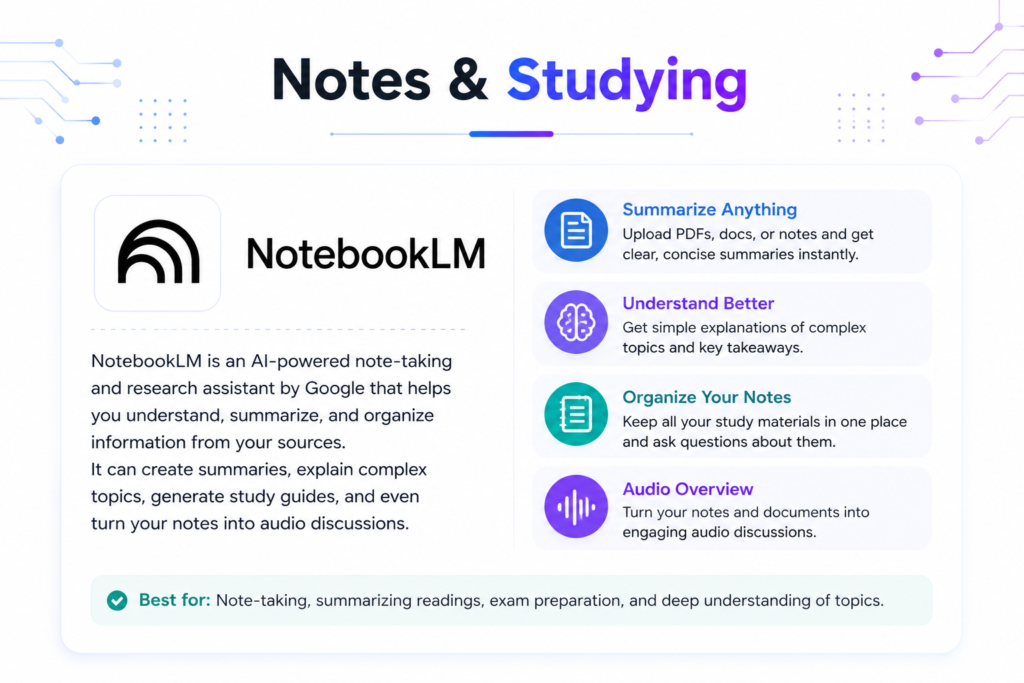
Google NotebookLM
Google NotebookLM is easily one of the most powerful and underrated AI tools for students in 2026. You can access it directly through the website at notebooklm.google.com using any Google account. It also works seamlessly inside Google Docs, Drive, and Gmail. No credit card or payment is required — it’s completely free for personal use.
The core idea is simple but brilliant: you upload your lecture notes, PDFs, slides, articles, or even audio recordings, and NotebookLM becomes a personal tutor that only knows your specific material. It can generate summaries, study guides, FAQs, timelines, concept maps, and even turn your notes into a realistic podcast-style audio conversation between two hosts.
I used it extensively during exam season. I would upload all my readings and lecture notes for one subject, and within minutes it would create practice quizzes, highlight gaps in my understanding, and explain difficult concepts in simple language. The Audio Overview feature (podcast mode) is particularly helpful for revision while walking, commuting, or doing chores.
Key Extra Features:
- Upload up to 50 sources per notebook
- Generate study guides, flashcards, and practice questions automatically
- Real-time interaction with your uploaded material
- Audio Overviews in podcast format
- Citation tracking so you know exactly which document each point came from
- Ability to create multiple notebooks for different subjects
Pricing: Fully free for most students. There is no paid tier required for core features. Google occasionally gives extra credits or higher limits to .edu accounts.
Drawbacks: The free tier has a limit of around 100 notebooks total and daily caps on Audio Overviews (usually 3–5 per day). It works best with good quality, well-organized notes — messy or poorly scanned PDFs can reduce accuracy. It also doesn’t do general web research (it only knows what you upload).
For students who deal with heavy reading loads or multiple subjects, NotebookLM is a genuine game-changer. Many students I know call it their “secret weapon” for studying. I highly recommend starting with this tool — it’s one of the highest-value free AI tools available right now.
Writing & Editing
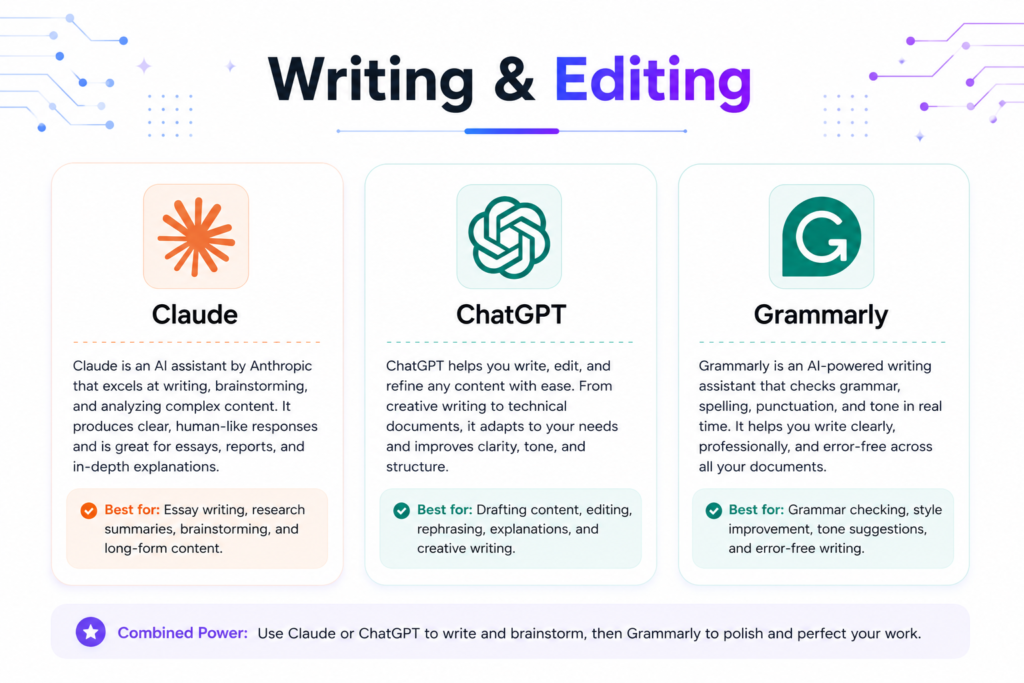
Claude
Claude (especially Claude Sonnet on the free tier) is currently one of the strongest AI tools for essay writing and academic drafting in 2026. You can access it through the website claude.ai and the official mobile apps on Android and iOS. Signing up requires only an email — no credit card needed for the free tier.
Claude excels because of its massive 200K token context window, which allows you to paste an entire essay draft, multiple readings, or long assignment instructions and get thoughtful, coherent feedback. I used it while writing literature reviews and research papers — it gives natural-sounding suggestions and helps strengthen arguments, improve structure, and refine flow without making the writing sound robotic or generic.
Key Extra Features:
- Excellent long-document analysis and editing
- Strong reasoning for developing academic arguments
- Artifacts feature (can create editable tables, outlines, and formatted content)
- Low hallucination rate compared to other models
- Clear step-by-step explanations
Pricing & Free Tier: The free tier gives access to Claude Sonnet with usage limits on a rolling 5-hour window (roughly 15–40 messages depending on length). Claude Pro costs $20/month and removes most limits while giving access to the more powerful Opus model. No specific widespread student discount is available right now.
Drawbacks: The free tier can hit limits quickly if you’re working on multiple long essays. It also has stricter safety filters, so it sometimes refuses overly creative or controversial topics.
For most students who write essays, reports, or assignments, Claude Free is one of the best options available. If you write long papers regularly, upgrading to Pro is one of the few paid tools that feels genuinely worth the investment.
ChatGPT
ChatGPT is still extremely useful for students, especially in the early stages of writing. You can access it at chatgpt.com or through the official mobile apps on Android and iOS. The free tier requires only an email signup.
On the free plan, you get GPT-4o mini along with limited access to more advanced models, file uploads, and basic image generation. I often use it to brainstorm different angles for essay topics, create detailed outlines, or explain complex concepts in simple terms before I start drafting.
Key Extra Features:
- Strong brainstorming and idea generation
- File upload support (can analyze PDFs on free tier with limits)
- Voice mode on mobile for speaking your ideas
- Canvas feature for editing drafts side-by-side
Pricing: Free tier is decent for light use. ChatGPT Plus ($20/month) gives much higher limits and better models. No dedicated student discount is widely available currently.
Drawbacks: Free tier has strict message limits that become frustrating during busy periods. It also has a higher chance of hallucinating facts or producing generic content compared to Claude. Always verify important information.
For students, ChatGPT is best used for brainstorming, outlining, and idea generation rather than final writing. Combining it with Claude or Grammarly gives the best results.
Grammarly
Grammarly is still a must-have tool for students who want polished and professional academic writing. You can access it via the website grammarly.com, the powerful browser extension (works on Chrome, Edge, Firefox), desktop app, and mobile apps. A simple email signup is enough for the free version.
On the free plan, you get unlimited grammar, spelling, punctuation, and basic clarity checks. The browser extension is the real star — it works silently while you type in Google Docs, Microsoft Word Online, email, or any assignment submission platform. I used it on almost every assignment to improve readability and fix small mistakes I usually overlook.
Key Extra Features:
- Tone detector (helps adjust formal vs casual writing)
- Limited AI rewrite suggestions (around 100 per month on free tier)
- Plagiarism checker (basic on free)
- Works across almost every platform students use
Pricing: Free tier is very useful for daily work. Grammarly Premium costs around $12–20/month. Many universities provide free institutional access — check with your college writing center or library before paying.
Drawbacks: The free version doesn’t catch advanced academic style or flow issues as well as Premium. The monthly AI suggestion limit can run out fast during finals or heavy assignment weeks.
For almost all students writing essays, reports, or applications, Grammarly Free is essential. Always check if your university offers free Premium access first.
Design & Presentations
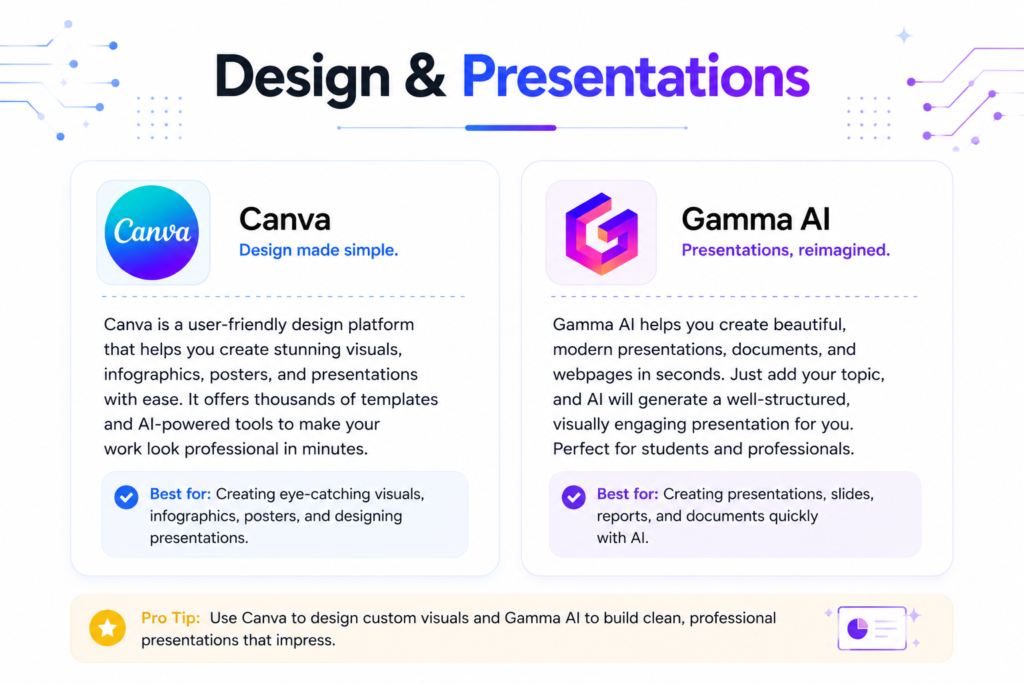
Canva
Canva has become an essential tool for students who need to create presentations, posters, infographics, reports, and visual assignments without any prior design experience. You can access it through the website canva.com, the desktop app for Windows and Mac, and the highly rated mobile apps on Android and iOS. Signing up is free with an email or Google account.
For K-12 students, Canva offers free Pro access through their Education program. College and university students should check if their institution has “Canva for Campus” — many universities provide free or heavily discounted Pro access. I used Canva for almost every group presentation, project poster, and class report. The Magic Studio AI features let you generate images, remove backgrounds, and improve designs simply by typing what you want.
Key Extra Features:
- Thousands of educational and professional templates
- Magic Design (turn text prompt into full design)
- AI image generator (20 free generations per day)
- Real-time collaboration for group projects
- Brand kit for consistent colors and fonts
- Easy export to PowerPoint, PDF, or video
Pricing & Student Access: Basic version is completely free. Canva Pro normally costs around $15/month, but many students get it free through school programs. Always check with your university’s IT department or student portal first.
Drawbacks: The free version has limited AI generations per day and some premium templates/elements are locked. Exports can sometimes include watermarks on certain free assets.
For the vast majority of students, Canva Free (or the Education version) is more than enough for academic design work. It’s one of the highest-value free tools available in 2026.
Gamma AI
Gamma AI is a fantastic time-saving tool that can turn a single prompt or your notes into a full, polished presentation in under a minute. You can access it at gamma.app. Signing up only requires an email — no credit card is needed to start using the free tier.
This tool is perfect when you’re short on time and need to create slides quickly. You can input your topic, key points, or even upload notes, and it generates a complete deck with text, images, and layout suggestions. I used it multiple times for last-minute class presentations and group projects when I didn’t have hours to spend on design.
Key Extra Features:
- One-prompt to full presentation generation
- AI image generation directly inside slides
- Export to PowerPoint, PDF, or shareable link
- Audience Q&A mode during presentations
- Real-time editing and team collaboration
Pricing: The free tier gives around 400 lifetime AI credits (roughly enough for 8–10 full presentations depending on complexity). Once credits run out, you can earn more through referrals or upgrade to Plus. No dedicated student discount is widely available yet.
Drawbacks: Free tier exports usually show a “Made with Gamma” watermark, which might not look ideal for important presentations. The free credit limit means you can’t use it unlimited times. The AI content sometimes needs manual editing to make it more personal or accurate.
For students who frequently need to make presentations quickly (especially during midterms and finals), Gamma AI on the free tier is worth trying. It’s excellent for saving time on design so you can focus more on content.
Lectures & Coding
Otter.ai
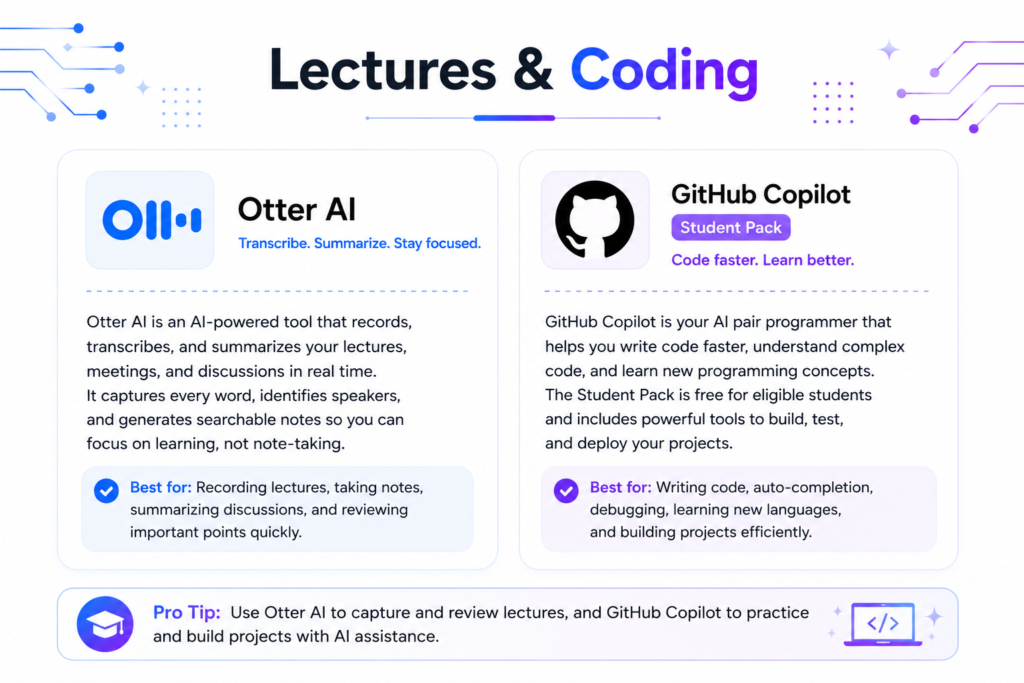
Otter.ai is one of the most practical and time-saving tools for students who attend lectures, seminars, group discussions, or online classes. You can access it through the website otter.ai, the Chrome extension, desktop app for Windows/Mac, and mobile apps on Android and iOS. A simple email signup is all you need to get started.
On the free plan, you get 300 minutes of transcription per month (roughly 5–6 hours), along with automatic smart summaries, key highlight extraction, speaker identification, and fully searchable notes. It can record live or transcribe uploaded audio files. I used it during long lecture series and group study sessions — it turned confusing or fast-paced discussions into clean, organized notes with timestamps that I could search later. The AI summary feature is especially useful for quick revision before exams.
Key Extra Features:
- Real-time transcription during live meetings
- Automatic action items and key points extraction
- Searchable conversation history
- Integration with Zoom, Google Meet, and Microsoft Teams
- Mobile recording capability for in-person lectures
Pricing: Free tier gives 300 minutes per month. Otter.ai Pro costs around $8–17/month for higher limits and advanced features. Some universities provide campus-wide access — check with your institution.
Drawbacks: The 300-minute monthly limit can run out quickly during busy semesters with many lectures. Accuracy can drop with heavy accents, noisy classrooms, or highly technical terms. Free tier has limited export options and some features are restricted.
For students who attend multiple lectures or meetings every week, Otter.ai Free is very useful. I recommend using it selectively for the most important or difficult classes to avoid hitting the limit too early.
GitHub Copilot (Student Pack)
GitHub Copilot is a game-changer for Computer Science, Software Engineering, and programming students. You can access it inside VS Code (the most popular way) after applying for the GitHub Student Developer Pack. Go to education.github.com and verify your student status with your .edu email or student ID.
Once approved, you get completely free unlimited access to Copilot (which normally costs $10/month). It suggests code completions as you type, explains code, helps debug errors, and can even write entire functions based on your comments. I used it throughout my coding courses — it helped me learn faster, complete assignments more efficiently, and understand best practices.
Key Extra Features:
- Real-time code suggestions as you type
- Inline chat for explanations and debugging
- Support for almost all programming languages
- Integration with popular IDEs like VS Code, JetBrains, etc.
- Copilot Workspace for advanced project planning
Pricing: Completely free for verified students through the GitHub Student Developer Pack. The pack also includes many other useful developer tools. After graduation, it reverts to paid.
Drawbacks: It sometimes suggests incorrect or inefficient code, so you still need to understand what you’re writing. Over-reliance can slow down your actual learning if you don’t review the suggestions carefully. Many universities have strict policies about using AI in coding assignments — always check your course rules first.
For CS, programming, and software engineering students, getting the GitHub Student Pack and using Copilot is easily one of the best free upgrades available in 2026.
Should You Pay for Anything?
Let me give you the straight, no-BS advice that most AI tool roundups avoid.
Truth: Most students don’t need to pay for any AI tools in 2026.
The free combination of Perplexity + NotebookLM + Claude Free + Canva + GitHub Student Pack (for CS students) can genuinely cover 85-90% of what the average student needs for research, studying, writing, presentations, and coding. I personally completed full semesters using mostly free tools and still performed well.
Here’s my honest breakdown after testing everything:
Worth Considering (Only if you have budget and hit limits):
- Perplexity Pro (Student discount) → Best upgrade for students doing heavy research or multiple papers. The 50% off makes it around $10/month and actually feels valuable.
- Claude Pro → Excellent if you write long essays or need high-quality feedback. The difference in writing depth and coherence is noticeable.
- ChatGPT Plus → Only if you use it very heavily for brainstorming and want higher limits + faster responses.
Usually Not Worth It for Students:
- Grammarly Premium (unless your university doesn’t provide free access)
- Otter.ai Pro (unless you record way more than 300 minutes/month)
- Multiple $20/month tools at the same time — this is the biggest money trap
My Personal Recommendation: Start completely free. Use the tools consistently for 2–3 weeks. Only upgrade if you’re regularly hitting limits and it’s actually hurting your productivity or grades. Don’t subscribe to tools just because they look cool or influencers recommend them. Most students waste money this way.
Focus on mastering the free stack first. The real skill is learning how to combine tools effectively, not paying for more features.
Using AI Without Getting Flagged (Important)
This is the most important section that many guides conveniently skip. As a student, you need to know this clearly.
AI is a powerful study tool, but misusing it can get you in serious trouble.
In 2026, most universities have updated their academic integrity policies. The general rule is: AI is allowed as a study aid and editor, but submitting AI-generated content as your own original work is considered plagiarism at many institutions.
Safe & Recommended Ways to Use AI:
- Use it for brainstorming topic ideas and creating detailed outlines.
- Ask it to explain difficult concepts in simple terms when you’re stuck.
- Use it to improve your own draft — get feedback on structure, arguments, clarity, and flow.
- Generate practice questions and quizzes from your lecture notes.
- Summarize long readings to understand them faster.
- Create presentation slides from your own content.
- Help with formatting, citations, and proofreading.
What You Should Avoid:
- Copying entire essays, answers, or large paragraphs directly from AI.
- Submitting AI-written work as your own without major personal input and editing.
- Using AI during exams or timed assessments (unless your professor explicitly allows it).
Best Practices I Strongly Recommend:
- Always keep your original notes and drafts as proof of your work.
- Treat AI like a smart tutor or editor, not the writer.
- When in doubt, cite it. Some professors now accept statements like “Outline and feedback assisted by Claude” or “Research supported by Perplexity”.
- Keep screenshots or chat history of your AI interactions in case you need to show your process.
- Check your university’s official AI policy at the beginning of every semester — policies differ between departments.
The goal should be to use AI to learn better and work smarter, not to cheat the system. Students who use it responsibly usually end up with better understanding and grades. Those who misuse it eventually face consequences.
Conclusion
At the end of the day, most students in 2026 don’t actually need expensive AI subscriptions to succeed. The free tiers of Perplexity, NotebookLM, Claude, Canva, and GitHub Copilot (for programming students) already give you everything you need to research better, study smarter, write faster, and create better presentations.
The key is not collecting more tools — it’s learning to use a small, smart stack effectively. Start with just two tools (I recommend Perplexity for research and either Claude or NotebookLM for writing/studying). Master them first before adding anything else. You’ll be amazed at how much time and stress you can save.
Remember: AI is an incredible study assistant, but it works best when you stay in control. Use it to learn and improve your own work, not to replace your effort. Always follow your university’s academic integrity rules.
Want to explore more powerful AI assistants and comparisons? Check out our Best AI Assistants 2026 page or the Claude vs ChatGPT vs Gemini 2026 guide.
Which AI tool are you going to try first for your studies? Drop your answer in the comments below — I read every single one and would love to know what’s working for you!
Frequently Asked Questions – FAQs
Is it cheating to use ChatGPT for homework?
It depends on how you use it. Using AI to brainstorm ideas, create outlines, explain concepts, or edit your own writing is generally acceptable at most universities. However, copying entire answers or submitting AI-generated work as your own is considered cheating by almost all institutions. Always check your course syllabus and professor’s policy. The safest approach is to use AI as a study assistant, not a ghostwriter.
Do any AI tools offer real student discounts?
Yes, a few do. Perplexity offers a 50% student discount on Pro (around $10/month). GitHub provides completely free Copilot access through the Student Developer Pack. Canva gives free Pro access to K-12 students and many universities offer “Canva for Campus.” Always verify your .edu email on their education portals, as discounts change frequently.
What’s the best free AI tool for research with citations?
Perplexity AI is currently the best free tool for research with citations. It provides proper sources with almost every answer, which makes it much more reliable than ChatGPT for academic work. The free tier is generous enough for most students’ daily needs.
Can AI actually help with math homework?
Yes, but with limitations. Wolfram Alpha is the strongest for math because it computes real answers with step-by-step explanations. ChatGPT and Claude can help explain concepts, but they sometimes make calculation mistakes. For best results, use Wolfram Alpha for calculations and Claude/ChatGPT for understanding the theory behind the problems.
Which AI tool is best for note-taking and studying?
Google NotebookLM is the clear winner here. You upload your lecture notes or readings, and it turns them into summaries, practice quizzes, flashcards, and even podcast-style explanations. It’s completely free and feels like having a personal tutor who only knows your course material. Many students call it their “secret weapon” for exams.
Keep Exploring
You might also like these articles.
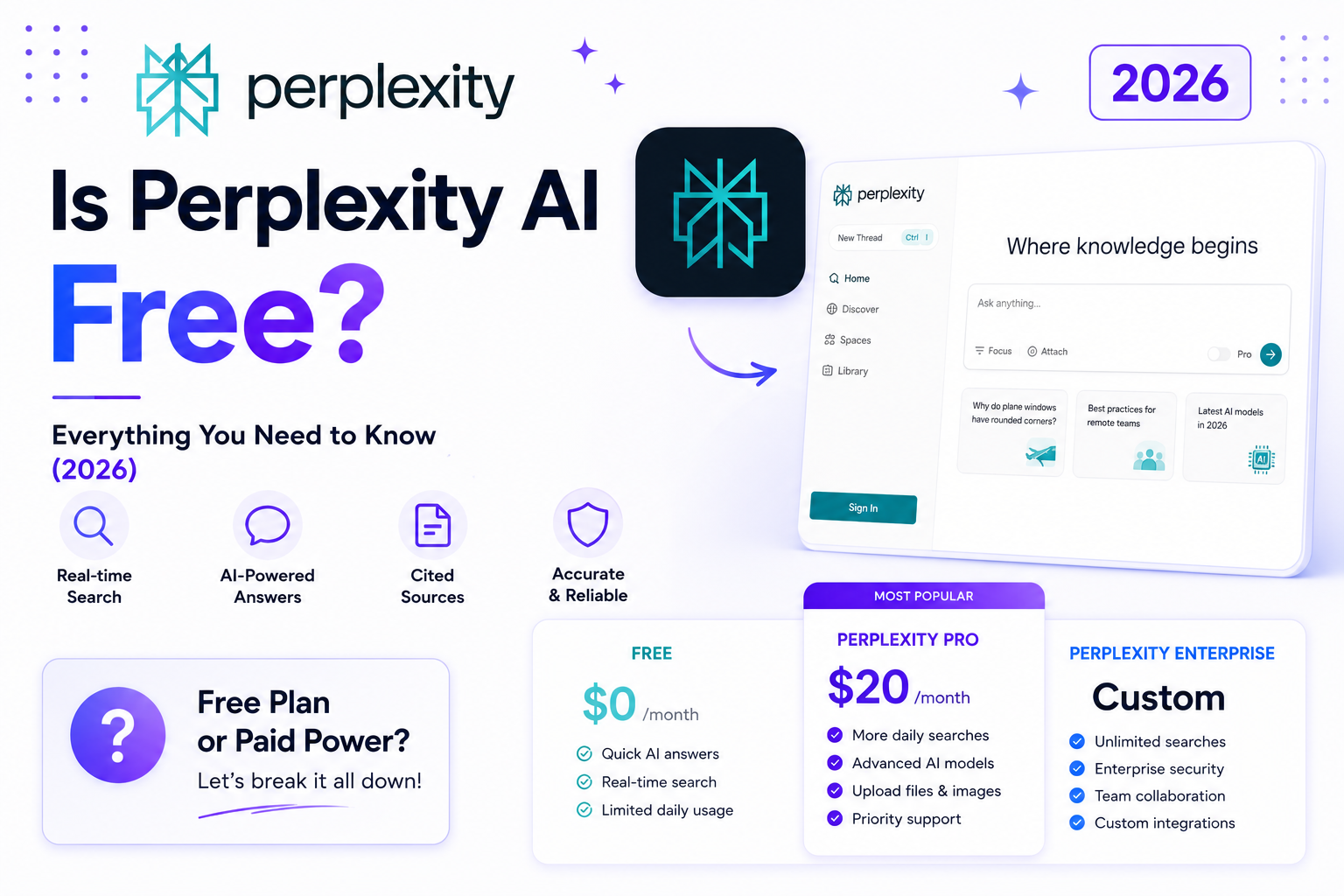
Is Perplexity AI Free? Everything You Need to Know (2026)
Short answer: Yes, Perplexity AI has a free plan. But the real answer is more nuanced — what you get…
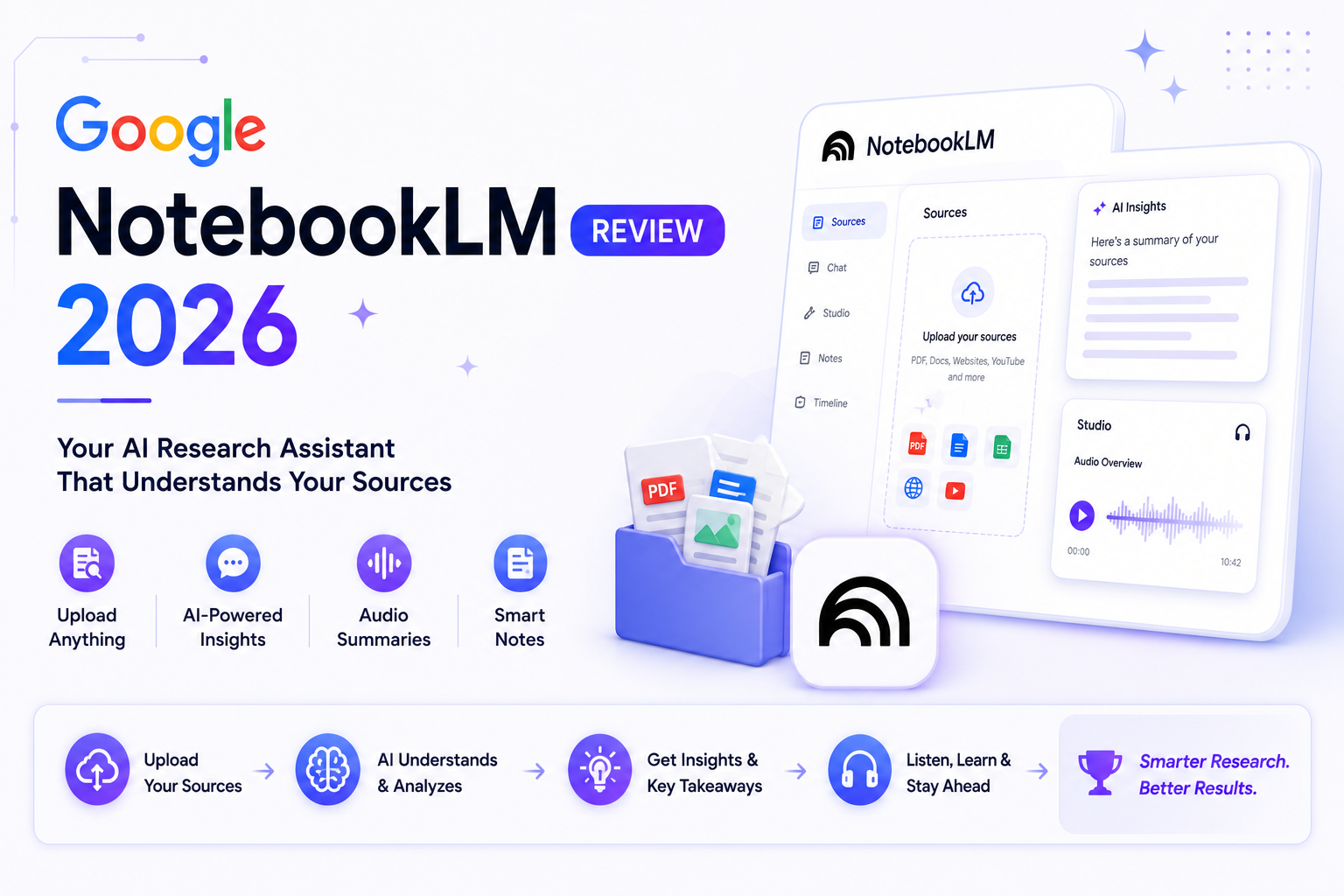
Google NotebookLM Review 2026 — Is It Really That Good?
Most AI tools promise to make research easier. NotebookLM actually delivers on that promise — but not in the way…
How to Create Custom GPTs in ChatGPT in 2026 (Step-by-Step Guide)
Most people use ChatGPT like a blank notepad — every single time you open a new chat, you have to…
Pingback: Best Free AI Tools for Marketing in 2026 - AI Spark Hub